Choosing the right website platform is an important decision for any small business. Your website represents your brand, helps customers find your services, and supports your online marketing efforts. With several small business website platforms available, choosing the right option can feel challenging, especially when comparing customization, pricing, search engine optimization (SEO), and ecommerce capabilities.
WordPress, Wix, Squarespace, and Shopify each offer different advantages. WordPress provides extensive customization, Wix simplifies website creation, Squarespace emphasizes design, and Shopify focuses on online selling. The best website platform for small business depends on your business goals, technical requirements, budget, and plans for future growth.
In this guide, Zealite Agency compares these four platforms to help you understand their strengths, limitations, and ideal use cases. Whether you need a professional business website, a service-based website that generates leads, or an online store, this comparison will help you choose a platform that supports your long-term digital strategy.
Why Choosing the Right Website Platform Matters for Small Businesses

Your website platform influences how easily you can manage content, introduce new features, attract visitors, and convert potential customers. A professional web design and development company can help you choose a suitable platform that reduces unnecessary maintenance, improves user experience, and supports your business as it grows.
When evaluating the best website builder for small business needs, consider the following factors:
- Website performance: Fast-loading pages and mobile-friendly layouts help create a positive user experience.
- SEO capabilities: Customizable page titles, meta descriptions, URLs, and site structures support organic search visibility.
- Customization: Your platform should accommodate your branding, functionality, and customer requirements.
- Ecommerce functionality: Businesses selling products need reliable checkout, inventory, payment, and order management features.
- Scalability: Your website should be able to accommodate new services, content, integrations, and marketing campaigns.
- Ongoing costs: Consider subscriptions, hosting, plugins, maintenance, development, and third-party tools.
Evaluating these factors before committing to a platform can help you avoid expensive changes later.
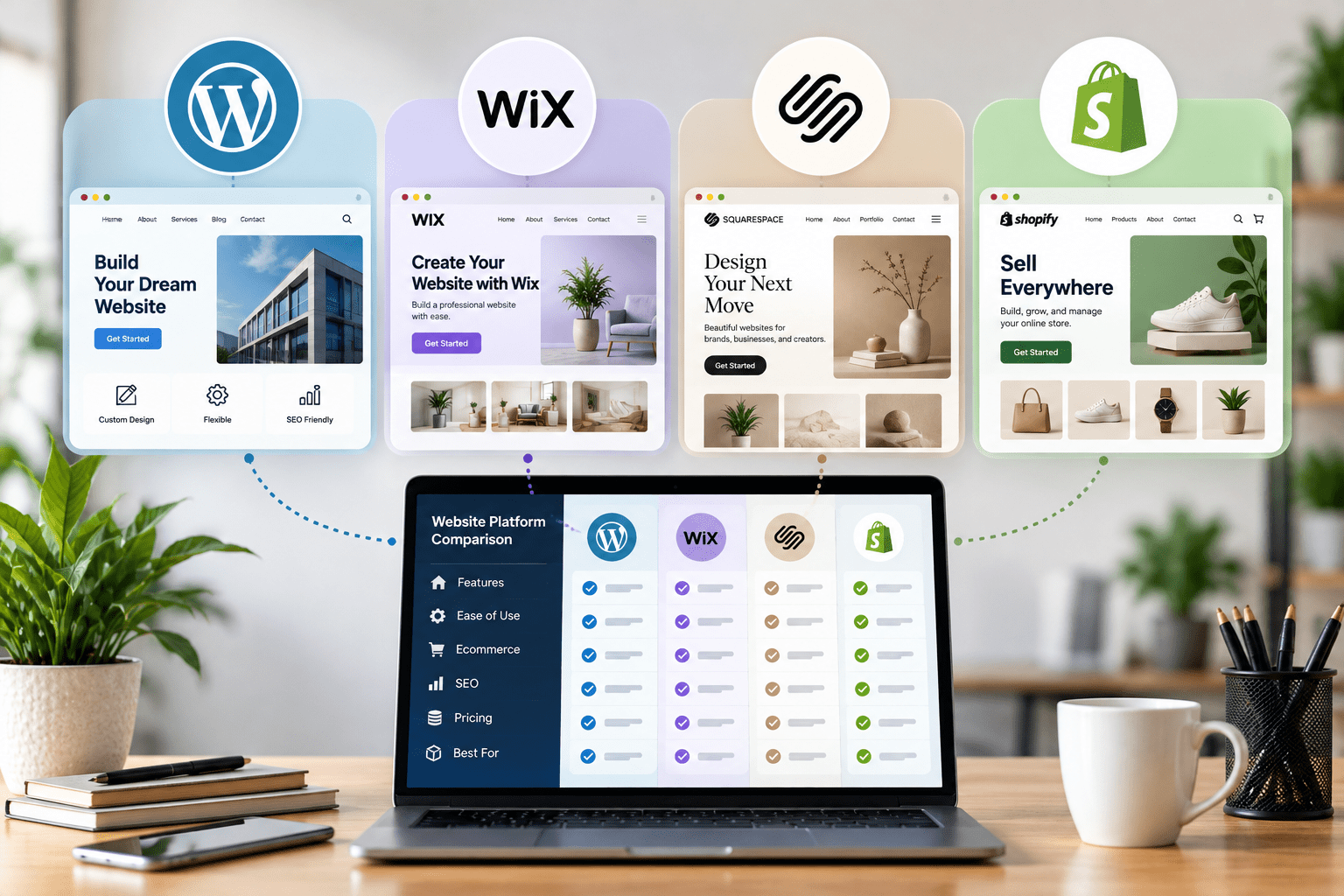
WordPress vs. Wix vs. Squarespace vs. Shopify: Overview
1. WordPress: Flexibility and Customization
WordPress is a content management system (CMS) that supports everything from business websites and blogs to membership platforms and ecommerce stores. Its themes, plugins, and development options allow businesses to build websites around specific requirements.
With appropriate hosting and configuration, WordPress offers considerable control over website structure, content, technical SEO, and integrations. Businesses can also use WooCommerce to add ecommerce functionality.
WordPress is a strong choice for companies that need flexibility, advanced content management, and room to expand.
2. Wix: Simple Website Building
Wix provides a visual website editor, ready-made templates, hosting, and integrated website management features. Users can build and update websites without extensive coding knowledge.
It is particularly suitable for small businesses that need a straightforward online presence, such as local service providers, consultants, and independent professionals.
3. Squarespace: Design-Focused Websites
Squarespace offers professionally designed templates and integrated tools for creating visually consistent websites. It can work well for photographers, designers, consultants, creative professionals, and businesses that prioritize presentation.
Its built-in website management and commerce features make it convenient for businesses that prefer a more integrated platform.
4. Shopify: Ecommerce-Focused Websites
Shopify is designed primarily for businesses selling products online. It provides tools for product catalogs, inventory, checkout, payments, order management, and sales integrations.
It is especially suitable for retailers and growing ecommerce businesses that want a dedicated platform for managing online sales.
WordPress vs. Wix vs. Squarespace vs. Shopify: Key Differences
The main differences between these platforms involve flexibility, ease of use, design options, ecommerce features, and ongoing management.
| Feature | WordPress | Wix | Squarespace | Shopify |
|---|---|---|---|---|
| Ease of Use | Moderate | Beginner-Friendly | Beginner-Friendly | Beginner-Friendly |
| Customization | Extensive | High Within Its Ecosystem | Template-Led | Strong for Ecommerce |
| Blogging | Excellent | Good | Good | Available |
| SEO Flexibility | Extensive | Built-In Tools | Built-In Tools | Ecommerce-Focused Tools |
| Ecommerce | WooCommerce or Other Solutions | Built-In Commerce Options | Built-In Commerce Options | Core Strength |
| Maintenance | Depends on Hosting and Setup | Mostly Managed | Mostly Managed | Mostly Managed |
| Best For | Custom Websites and Content | General Small Business Websites | Design-Focused Businesses | Online Stores |
Note: Features, pricing, transaction fees, and available integrations vary by subscription plan, hosting setup, location, and third-party services.
The best choice depends on how you intend to use your website. A business that primarily generates leads may have different requirements from a retailer managing hundreds of products.
For example, WordPress offers greater control over the website environment, while hosted platforms generally simplify technical management. Shopify focuses on ecommerce workflows, whereas Wix and Squarespace offer accessible website-building experiences.
When conducting a website builder comparison, evaluate the platform against your actual business requirements instead of choosing solely based on popularity or introductory pricing.
WordPress vs. Wix: Which Is Better for Small Businesses?
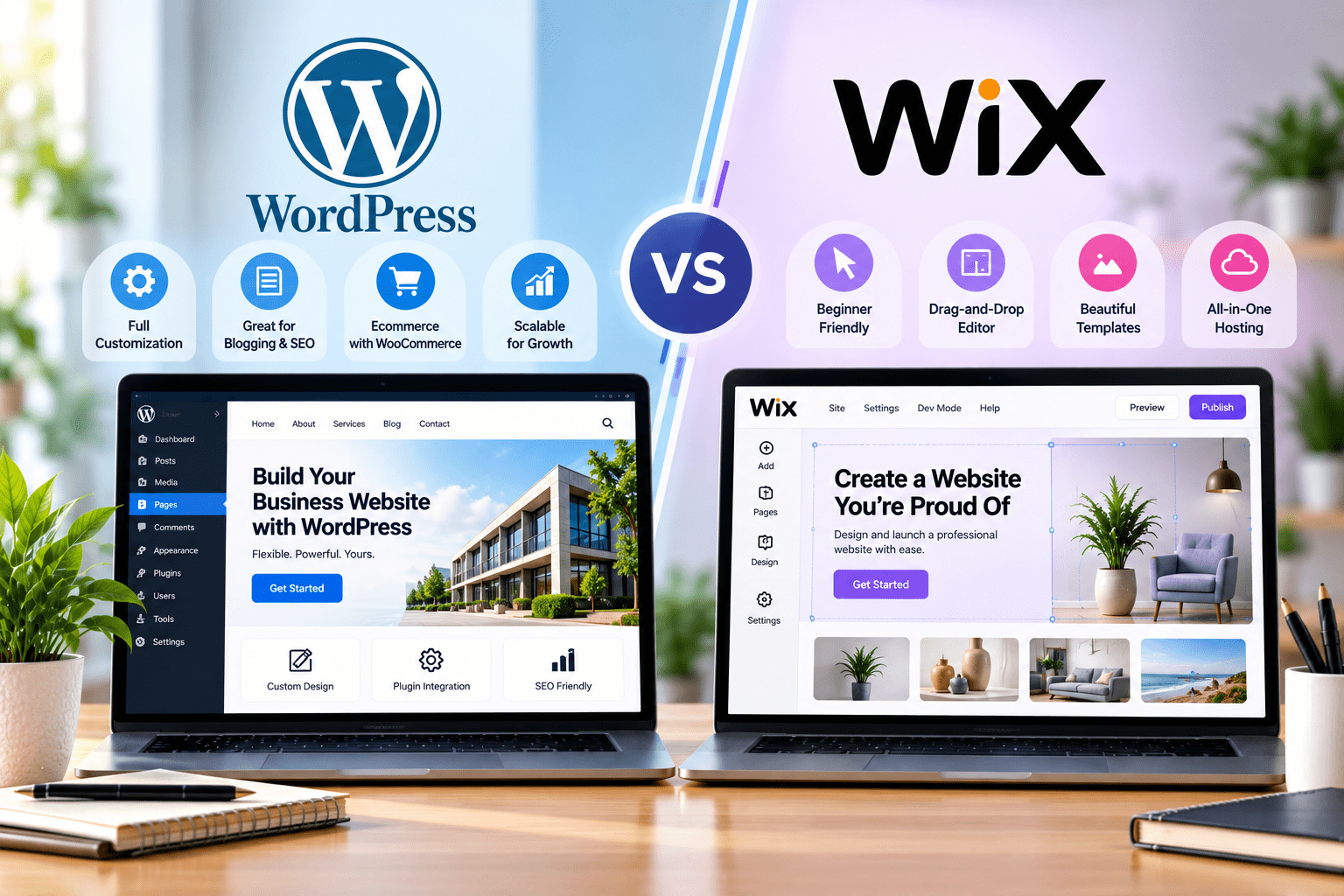
When comparing WordPress and Wix, the primary consideration is the balance between simplicity and flexibility. Both platforms can support professional business websites, but their approaches to website creation and management differ.
Advantages of WordPress
WordPress is particularly useful when a business needs more control over its website structure, functionality, and content strategy.
Its key advantages include:
- Extensive customization: Themes, plugins, and custom development support a wide range of website requirements.
- Content management: Businesses can publish blogs, service pages, landing pages, and other content as their needs evolve.
- SEO flexibility: WordPress supports customizable metadata, structured data, redirects, internal linking, and technical SEO improvements.
- Integration options: Businesses can connect analytics tools, CRM systems, marketing platforms, and ecommerce solutions.
- Scalability: Websites can be expanded with additional functionality as business requirements change.
Professional WordPress development services can help companies build custom functionality, improve performance, and create a website that supports their operational requirements. Similarly, WordPress web design services can deliver a consistent visual identity and a user experience tailored to the target audience.
The main consideration is maintenance. Hosting, updates, backups, compatibility, and security require appropriate management.
Advantages of Wix
Wix is designed to make website creation accessible to users without extensive technical experience.
Its advantages include:
- A visual editor for building pages.
- Templates for different business categories.
- Integrated hosting and website management.
- Built-in SEO settings and marketing tools.
- Convenient editing for routine website updates.
Wix can be a practical option for businesses that prioritize simplicity and do not require extensive customization.
Which Platform Should You Choose?
Choose WordPress if your business needs advanced customization, a content-led marketing strategy, or specialized integrations. Wix may be a better fit if you want to launch and manage a relatively straightforward website with minimal technical involvement.
Businesses with complex requirements may benefit from professional WordPress web design services that align the website’s design, functionality, and SEO structure with their goals.
Interesting Read: WordPress vs Weebly: The Best Website Platform for Small Business Owners
Wix vs. Squarespace vs. Shopify: Which Platform Fits Your Business?
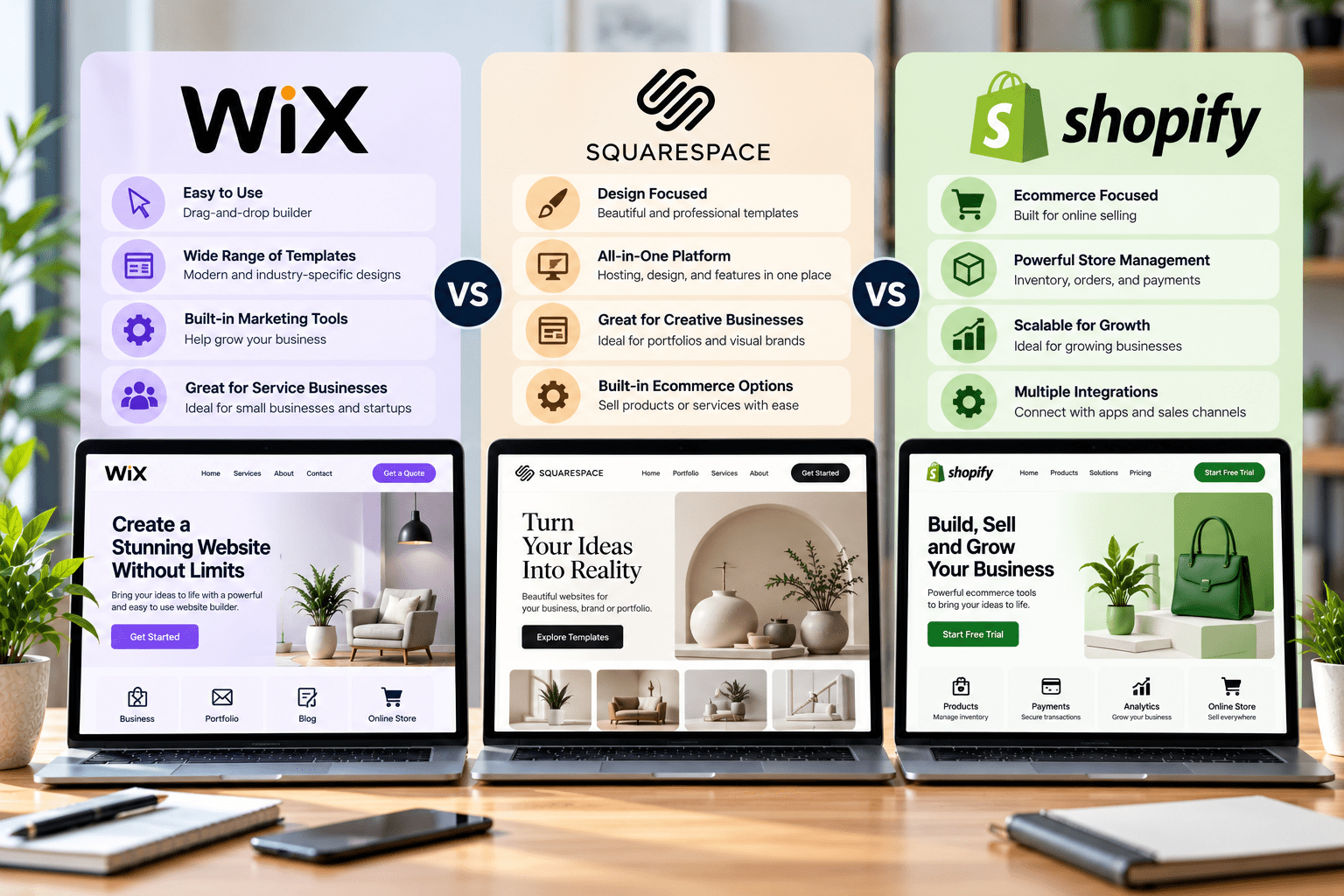
The comparison of Wix vs. Squarespace vs. Shopify is especially relevant for small businesses deciding between a flexible website builder, a design-focused platform, and a dedicated ecommerce solution.
Wix for Flexible Small Business Websites
Wix is a practical option for consultants, local service providers, independent professionals, and businesses that need contact forms, service descriptions, appointment booking, and basic marketing functionality.
Its visual editing tools allow users to customize page layouts without writing code. Businesses can also add ecommerce functionality when their subscription and operational requirements support it.
Squarespace for Design-Focused Websites
Squarespace is well suited to creative businesses that rely on strong visual presentation. Photographers, designers, personal brands, and boutique service providers can use its professionally designed templates to showcase their work and communicate their brand identity.
Its integrated content and commerce features can also support businesses that sell selected products or services. However, companies requiring highly specialized functionality should evaluate available integrations before committing.
Shopify for Online Stores
Shopify is the strongest candidate among these three when online selling is the central business objective. It provides tools for managing product listings, inventory, orders, payment processing, shipping, discounts, and customer transactions.
Its ecommerce ecosystem can also support additional sales channels and third-party applications as the business expands.
Comparing Ease of Use, Design, and Selling Features
Wix prioritizes flexibility and accessibility, Squarespace emphasizes design consistency, and Shopify focuses on ecommerce operations.
A consultant who needs a polished service website may prefer Squarespace or Wix. A creative professional who depends on portfolio presentation may benefit from Squarespace. A retailer managing a growing catalog, inventory, and multiple sales channels will generally find Shopify more suitable.
The best option is the one that supports the business model without introducing unnecessary costs or management complexity.
Shopify vs. WordPress for Small Business Ecommerce
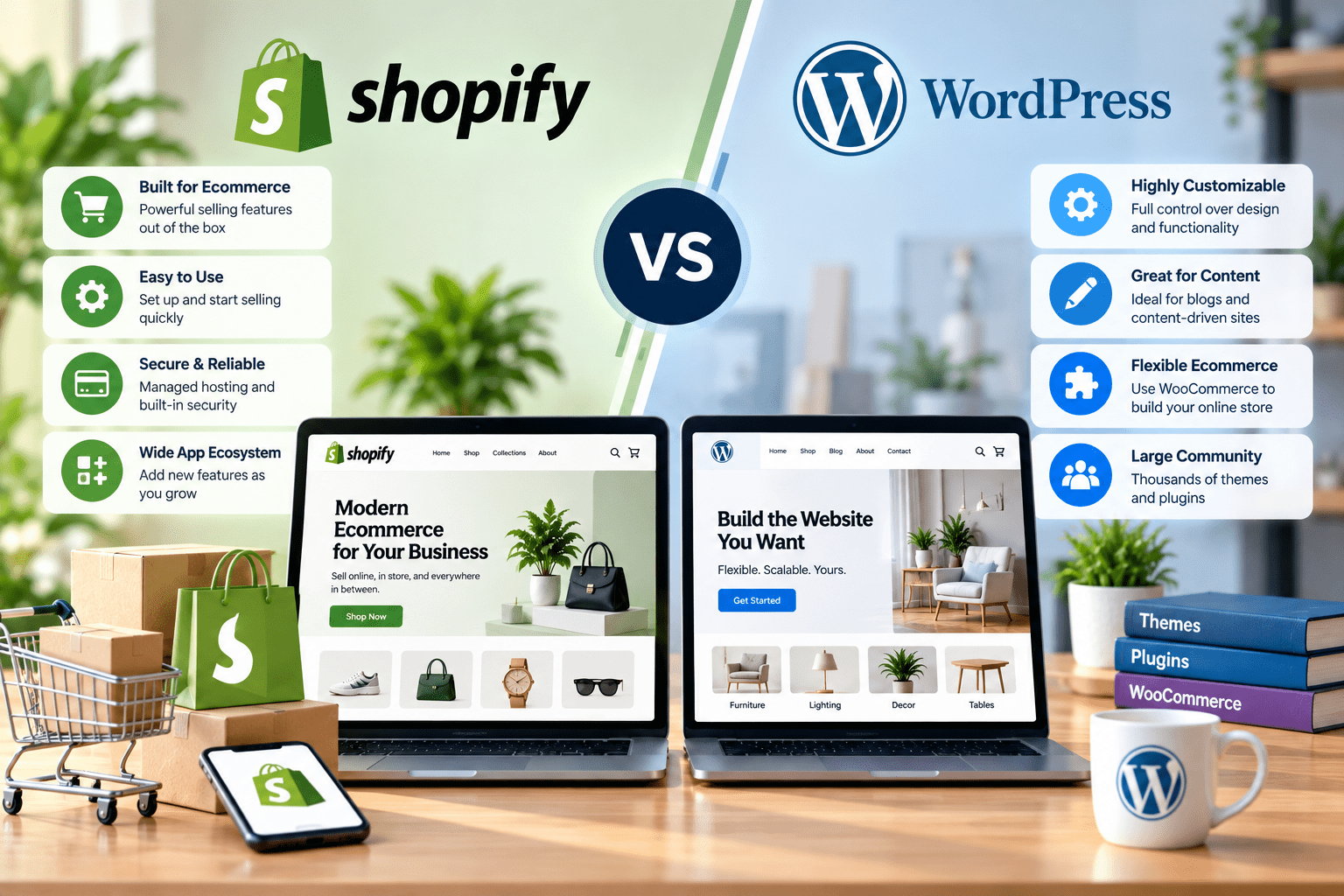
The comparison of Shopify vs. WordPress for small business ecommerce depends on whether a company prioritizes convenient store management or extensive customization.
Both platforms can support online selling, but they use different approaches to ecommerce functionality.
1. Ecommerce Features and Store Management
Shopify provides a centralized environment for managing products, orders, inventory, payments, and shipping. Many essential store management functions are available without installing separate plugins or building custom systems.
WordPress can support ecommerce through WooCommerce, which adds product catalogs, shopping carts, checkout functionality, and order management to a WordPress website. Additional extensions can support subscriptions, bookings, memberships, and other business models.
2. Payment Options, Inventory, and Product Management
Shopify offers integrated payment options and store management tools, although availability, processing fees, and payment methods depend on the merchant’s location and configuration.
WooCommerce provides considerable flexibility in selecting payment gateways, shipping providers, tax tools, and inventory extensions. However, businesses must ensure that these components work together reliably.
3. Customization and Integration Flexibility
WordPress with WooCommerce is attractive to businesses that require specialized checkout processes, custom product configurations, content-driven shopping experiences, or integrations with existing business systems.
Shopify also supports themes, apps, APIs, and custom development. Its structure, however, is more closely aligned with the requirements of an ecommerce business.
Companies considering custom ecommerce website development should evaluate their product catalog, fulfillment workflow, marketing systems, and future operational needs before selecting a platform.
4. SEO, Content Marketing, and Organic Traffic
WordPress offers extensive blogging and content management capabilities, making it useful for businesses investing heavily in educational content and organic search traffic. WooCommerce allows product pages and supporting content to exist within the same content management environment.
Shopify provides essential SEO settings for product pages, collections, and other store content. Businesses can also publish articles and create supporting resources to attract potential customers.
5. Which Ecommerce Platform Offers Better Long-Term Flexibility?
Shopify is often a suitable choice for retailers seeking streamlined ecommerce management. WordPress with WooCommerce may be preferable for businesses requiring greater control over content, functionality, and integrations.
The best eCommerce platform for small business is therefore determined by operational priorities, technical resources, total ownership costs, and the level of customization required.
Which Platform is Best for SEO and Online Visibility?
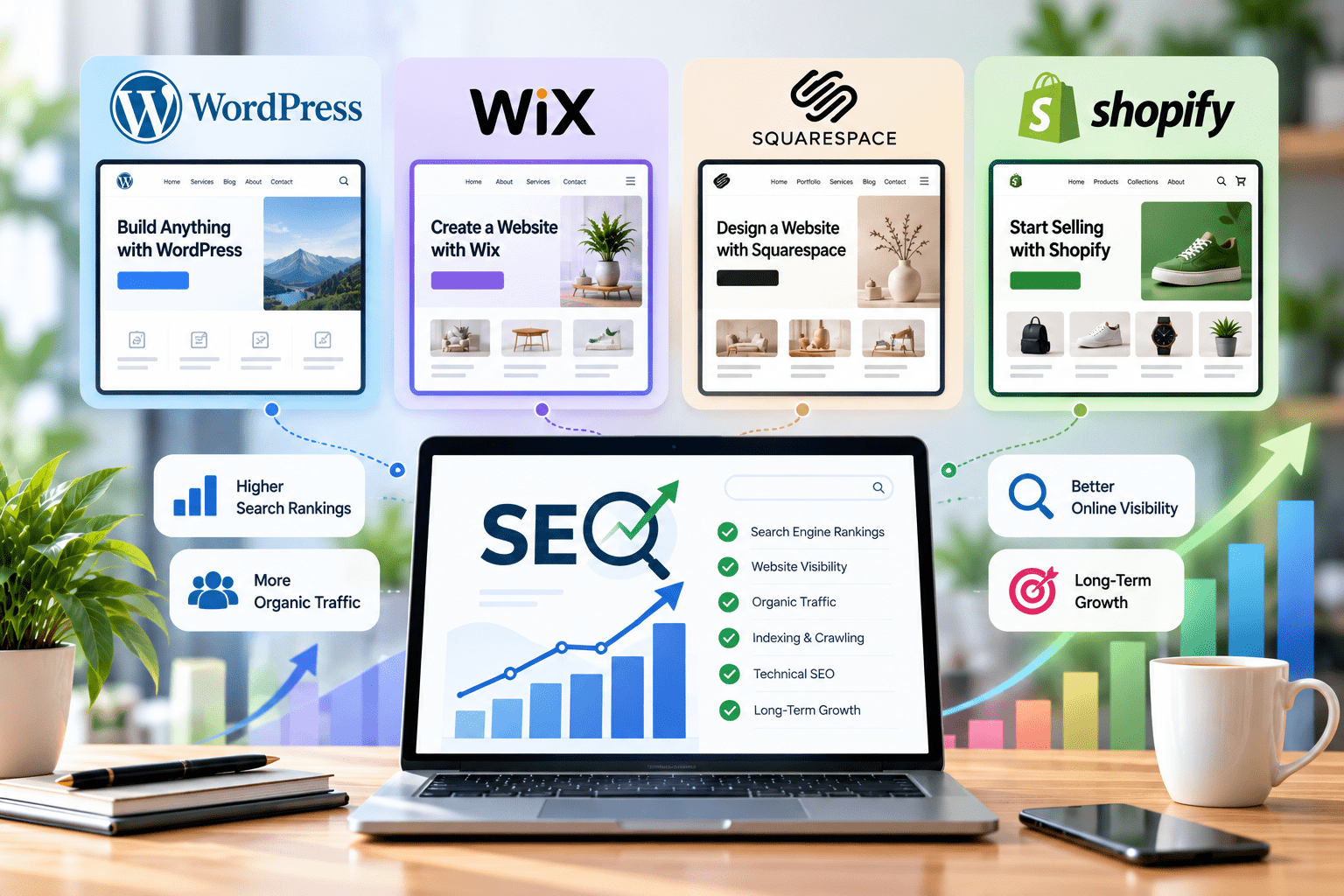
SEO is an important consideration when choosing the best CMS for small business needs. Your platform should allow you to create useful content, organize pages effectively, and implement technical improvements that help search engines understand your website.
1. On-Page SEO and Metadata Management
All four platforms offer ways to manage important SEO elements, including page titles, meta descriptions, headings, and image alternative text.
WordPress provides extensive options through SEO plugins and custom development. Wix and Squarespace offer integrated SEO settings that simplify common optimization tasks. Shopify provides SEO controls for ecommerce pages, collections, products, and other store content.
2. Website Speed and Mobile Performance
Website performance depends on hosting infrastructure, image sizes, scripts, themes, applications, and development quality. A carefully optimized website on any of these platforms can deliver a strong mobile experience.
Businesses should evaluate Core Web Vitals, responsive layouts, page loading behavior, and accessibility rather than assuming that one platform automatically performs better.
3. Blogging, Content Marketing, and Internal Linking
WordPress is particularly strong for businesses that publish extensive educational content, service guides, and industry resources. Wix and Squarespace also support blogging, while Shopify allows store owners to publish articles that complement product pages.
A well planned internal linking structure helps visitors discover relevant content and enables search engines to understand relationships between pages.
4. Technical SEO and Website Structure
Technical SEO includes crawlability, indexation, canonical URLs, redirects, XML sitemaps, structured data, and site architecture. The amount of control available varies by platform and implementation.
WordPress offers substantial technical flexibility, although poorly configured plugins can create problems. Hosted builders manage many technical components automatically but may provide less control over certain advanced configurations.
5. Which Platform Supports Your SEO Strategy Best?
WordPress is often a strong choice for businesses requiring advanced content management and technical customization. However, Wix, Squarespace, and Shopify can also support effective SEO strategies when configured correctly.
Investing in professional SEO services can help businesses improve keyword targeting, content quality, technical performance, and internal linking. Sustainable organic visibility depends on ongoing optimization, search intent, competition, and the usefulness of the website, not simply the platform selected.
How Much Does It Cost to Build a Small Business Website?

The cost of a website depends on the platform, design complexity, required features, and level of professional assistance. Comparing only monthly subscription prices can overlook important expenses.
1. Website Platform and Subscription Costs
Wix, Squarespace, and Shopify use subscription-based pricing, with costs varying by plan, billing frequency, and included features. WordPress software is available without a standard license fee, but businesses generally pay for hosting, domain registration, and any premium services they choose.
2. Hosting, Domains, Themes, and Plugins
WordPress websites may require separate hosting, premium themes, paid plugins, backup tools, and security services. Hosted platforms generally include hosting, although some integrations and advanced business features may require additional subscriptions.
3. Custom Design and Development Expenses
A basic template-based website usually requires less development work than a custom website with advanced functionality, specialized integrations, or a complex ecommerce experience.
Hiring a WordPress development company or a web design and development company can increase the initial investment but may provide a website tailored to specific business objectives.
4. Maintenance, Security, and Marketing Costs
WordPress sites require appropriate updates, backups, security monitoring, and compatibility checks. Hosted platforms handle much of the underlying infrastructure, but businesses still need to manage content, subscriptions, applications, and marketing.
When comparing costs, consider the total cost of ownership, including development, hosting, transaction fees, maintenance, marketing, and future improvements.
How to Choose the Best Website Builder for Small Business
Selecting the best website builder for small business begins with understanding what the website must accomplish. The most suitable platform should support business operations, customer expectations, marketing objectives, and future expansion.
1. Define Your Website Goals
Identify whether the primary purpose is generating leads, showcasing services, publishing content, booking appointments, or selling products. A service company may need forms and landing pages, while an online retailer requires comprehensive ecommerce functionality.
2. Set Your Budget and Maintenance Requirements
Consider your initial budget, ongoing subscription or hosting costs, and available technical resources. A managed platform may suit businesses that prefer simplicity, while WordPress may be appropriate for businesses that want greater control.
3. Consider SEO and Marketing Needs
If organic traffic is a priority, evaluate metadata controls, blogging features, site structure, analytics integrations, and technical SEO capabilities.
If your marketing strategy includes paid campaigns, lead tracking, or remarketing, check whether the platform supports the necessary analytics and advertising integrations.
4. Evaluate Customization and Future Growth
Think about whether you will need new services, landing pages, booking systems, customer portals, or ecommerce functionality later. Choosing a platform that accommodates realistic future requirements can reduce the need for a major rebuild.
5. Choose a Platform That Supports Your Business Model
For content-rich and highly customizable websites, WordPress is worth considering. Wix and Squarespace suit many smaller websites with straightforward management needs, while Shopify is especially useful for businesses centered on online retail.
The right choice balances usability, functionality, cost, and long-term business objectives.
Which is the Best Website Platform for Small Business? Our Verdict
There is no single platform that works best for every small business. Each option offers a different combination of flexibility, convenience, and functionality.
- WordPress is best for businesses that need flexibility. Its content management system, extensive plugin ecosystem, and customization options make it suitable for content-driven websites, service companies, and businesses with specialized requirements.
- Wix is best for straightforward website creation. Its visual editor and integrated management tools make it appealing to small businesses that want to launch and maintain a website without extensive technical knowledge.
- Squarespace is best for design-focused businesses. Its templates and integrated features make it a strong option for creative professionals, portfolios, and service providers who prioritize presentation.
- Shopify is best for e-commerce-focused businesses. Its dedicated store management features help retailers manage products, orders, payments, and inventory within a specialized platform.
Ultimately, the right decision depends on your business model, budget, technical expertise, marketing strategy, and plans for growth. Comparing these factors before committing to a platform can help you avoid unnecessary expenses and create a website that supports measurable business objectives.
For businesses that expect to invest heavily in content marketing, specialized functionality, and organic search growth, WordPress can be a particularly versatile option. However, a well-built website on another platform may be a better fit when ease of management or ecommerce operations take priority.
Before deciding, compare the features you actually need, your available resources, and the platform’s long-term operating costs.
Interesting Read: Duda vs WordPress: Which Website Platform is Better for Your Business
Why Choose Zealite Agency for Small Business Website Development?
Choosing the right website platform is only the first step toward building a successful online presence. Your website needs a clear structure, consistent branding, engaging content, and user-friendly functionality to support your business goals. Zealite Agency combines website development with strategic digital marketing solutions to help businesses improve online visibility, attract potential customers, and support long-term growth as a top digital marketing agency in USA.
1. WordPress Web Design and Development
Businesses looking for a WordPress web development company can benefit from a structured approach to website planning, responsive design, custom functionality, and performance optimization. The right development approach helps create a website that reflects your brand and supports future improvements.
Whether you need a new website or want to improve an existing one, WordPress development services can be tailored to your content, integrations, and business requirements.
2. Custom Ecommerce Website Development
For businesses selling products online, custom ecommerce website development can help create a shopping experience aligned with customer needs. Important considerations include product presentation, navigation, checkout usability, payment integrations, and inventory management.
The appropriate solution depends on your product catalog, operational requirements, and plans for growth.
3. SEO and Digital Marketing Support
A professional website works best when supported by a consistent marketing strategy. Zealite Agency’s relevant digital marketing services can help businesses improve their online presence through:
Professional SEO Services
Our professional SEO services improve organic search visibility through on-page optimization, technical SEO improvements, keyword targeting, and content strategy to help businesses attract relevant traffic.
PPC Marketing Services
Our PPC marketing services help businesses reach relevant audiences through targeted paid advertising campaigns designed to increase website traffic, attract potential customers, and generate qualified leads.
Social Media Marketing Services
Our social media marketing services strengthen brand awareness, encourage audience engagement, and drive website traffic through strategic campaigns across relevant social media platforms.
If you are comparing a WordPress website development agency with other providers, evaluate their experience, communication, technical capabilities, and understanding of your business goals.
Build the Right Website for Your Business With Zealite Agency
Choosing between WordPress, Wix, Squarespace, and Shopify is easier when you understand your business goals, target audience, and long-term requirements. The right platform should provide a reliable foundation for your website, customer experience, and digital marketing activities.
Zealite Agency can help you evaluate your options and plan a website that aligns with your business objectives, whether you need WordPress development, ecommerce functionality, SEO improvements, or a broader digital marketing strategy.
Ready to build or improve your business website? Contact Zealite Agency to discuss your requirements and identify a suitable approach for your next project.
Frequently Asked Questions
1. Which Is the Best Website Platform for Small Business?
WordPress is a strong choice for businesses that need customization, flexible content management, and extensive integrations. Wix and Squarespace are suitable for many straightforward business websites, while Shopify is particularly well suited to online stores. The best choice depends on your requirements and budget.
2. Is WordPress Better Than Wix for Small Businesses?
WordPress offers greater flexibility for custom development, content management, and specialized functionality. Wix provides a more guided website-building experience with integrated hosting and management. Businesses should choose based on their technical resources, customization needs, and ongoing maintenance preferences.
3. Is Shopify Better Than WordPress for Ecommerce?
Shopify is often convenient for businesses that want integrated ecommerce management tools. WordPress with WooCommerce provides greater flexibility for businesses that need customized website functionality and content-led marketing. Both can support online stores, depending on the business’s requirements.
4. Is Squarespace Good for Small Business Websites?
Yes. Squarespace can be suitable for small businesses that prioritize visual presentation, professionally designed templates, and convenient website management. It supports many service-based and creative businesses, as well as stores with suitable commerce requirements.
5. Which Website Platform Is Best for SEO?
All four platforms support important SEO activities. WordPress provides extensive customization options, while Wix, Squarespace, and Shopify offer built-in SEO features. Rankings depend on content quality, technical implementation, competition, performance, and the overall optimization strategy.
6. Can I Switch Website Platforms as My Business Grows?
Yes, but migration requires planning. You may need to transfer content, products, customer data, and media while maintaining URL structures or implementing redirects. Proper migration planning helps minimize broken links, indexing issues, and potential losses in organic traffic.
7. Should I Hire a WordPress Development Company or Build My Own Website?
Building your own website may be suitable when your requirements are straightforward, and your budget is limited. Hiring a WordPress development company can be beneficial when you need custom functionality, advanced integrations, a tailored design, or technical support.